AMC MOBILE APPS
Vibration Isolator Pro
Analyze, measure, and optimize the vibration isolation of your equipment.
Vibration Isolator Pro is an application developed to evaluate the performance of anti-vibration systems through real measurements.
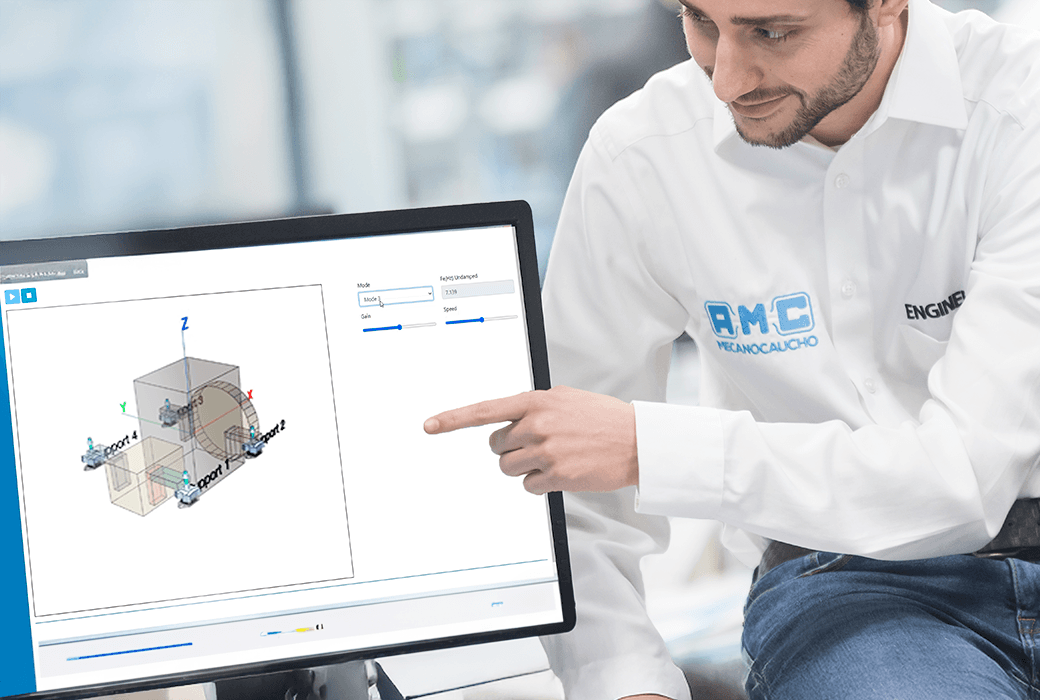
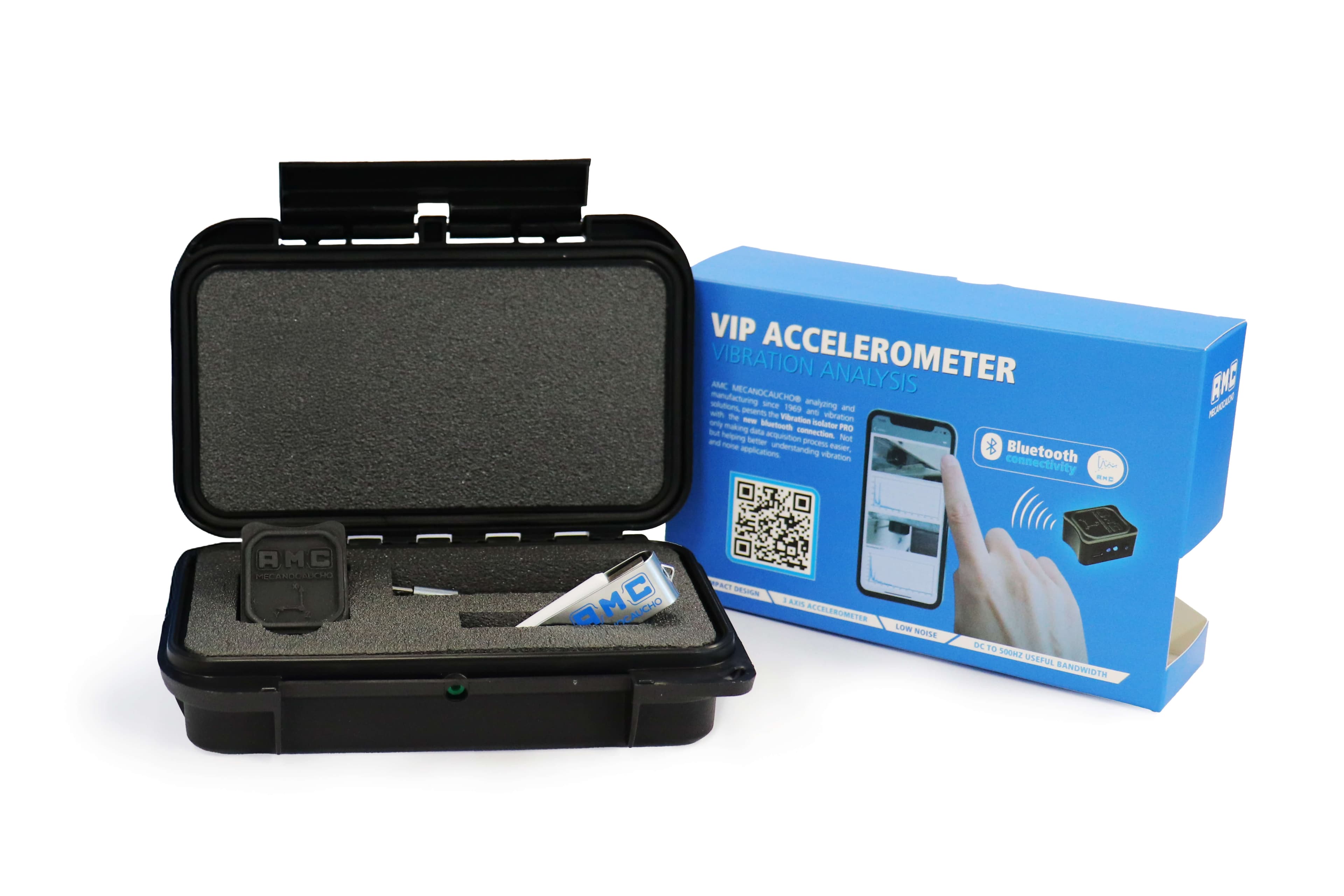
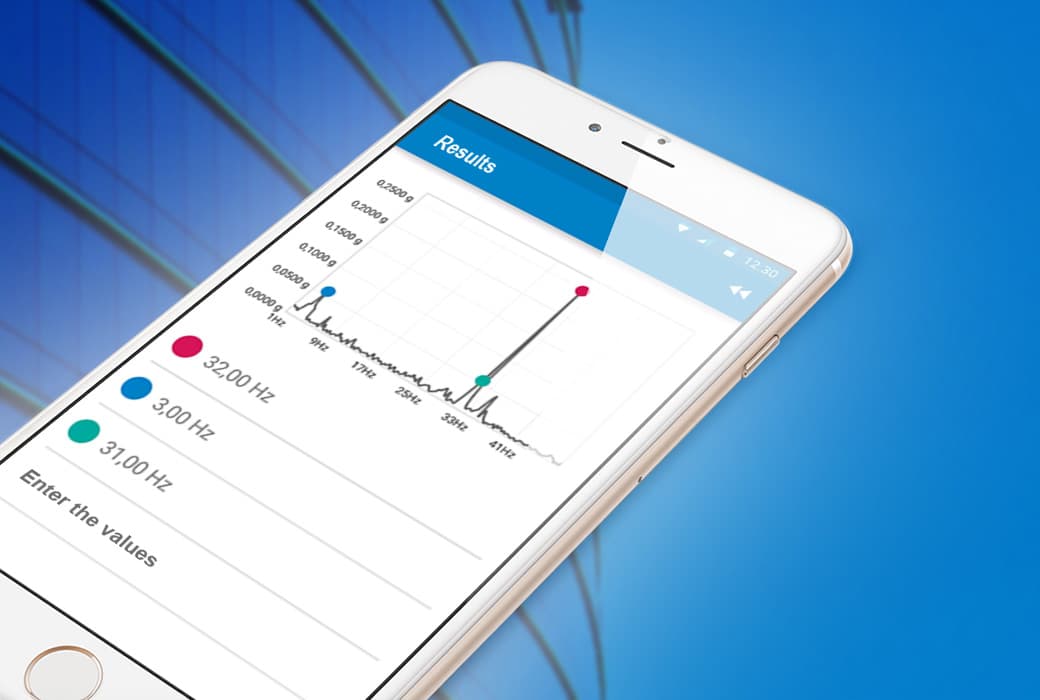
Connected to the VIP Accelerometer, it allows you to record vibrations at the source and destination points, calculate the isolation percentage, and visualize the FFT spectra with the predominant frequencies.
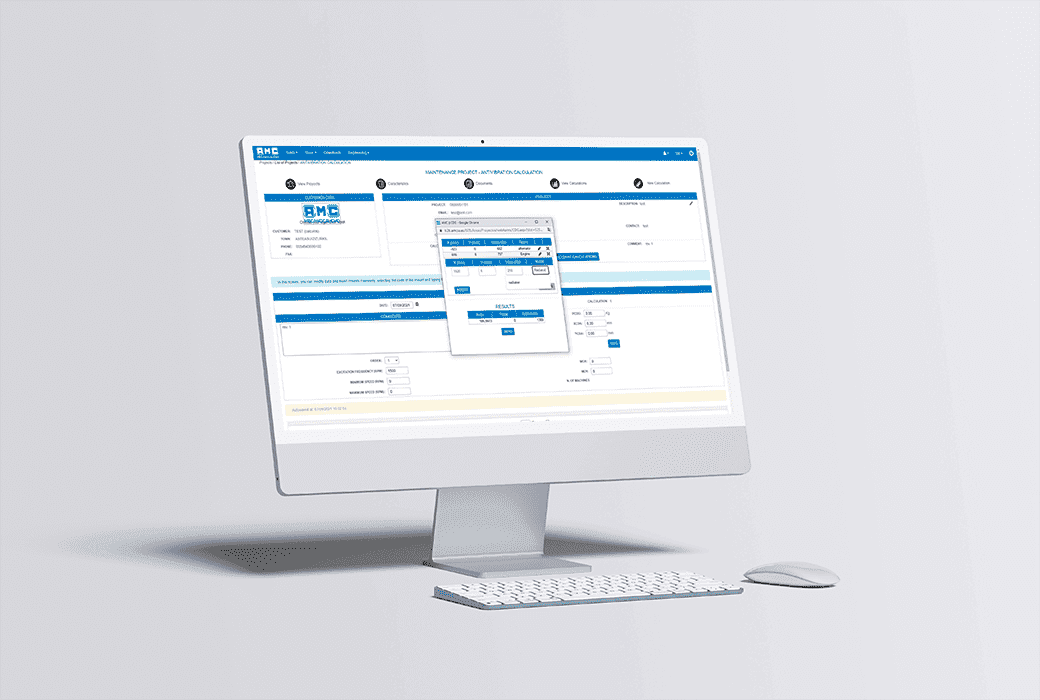
If desired, you can send the data to the web to receive a report with all the test information.
- Accurate and fast measurement with the VIP accelerometer.
- Clear results: isolation percentage and FFT spectra.
- Step-by-step guided process from connection to report.
- Specialized technical support from our team of engineers.


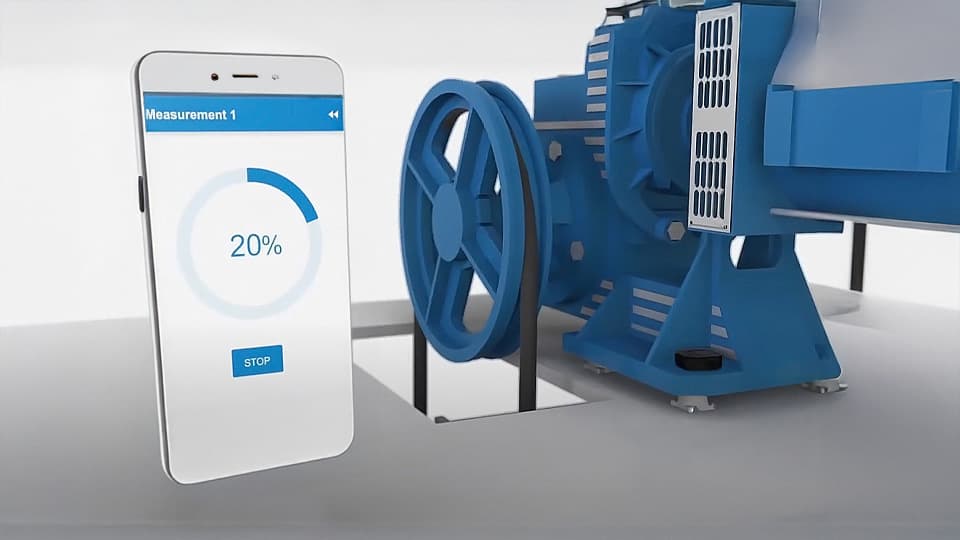
Evaluate the performance of your equipment
Easily compare vibration levels at the source and destination to determine the effectiveness of your anti-vibration system.
Ideal for validating existing installations or selecting new mounts with greater precision.
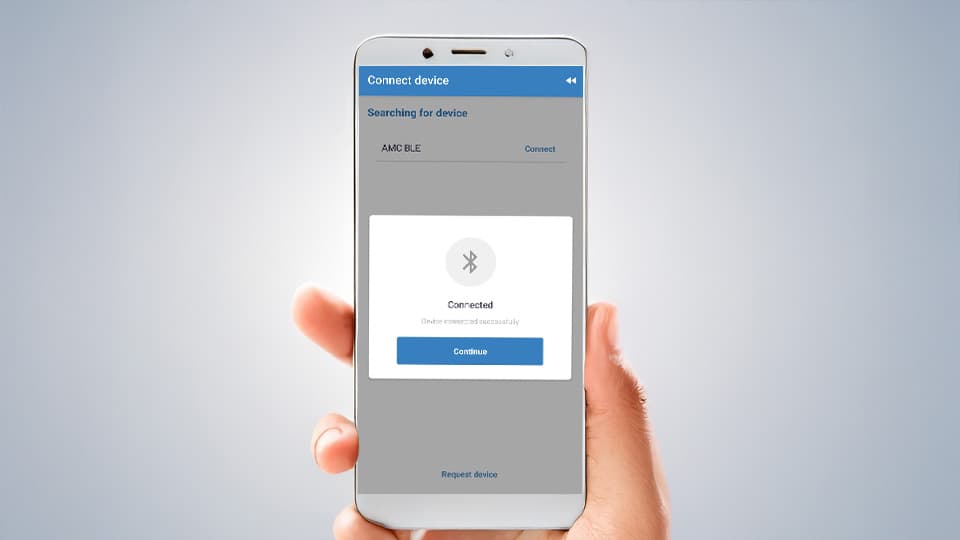
Designed for easy use
Intuitive and fast, Vibration Isolator Pro allows you to take precise measurements with no prior experience required.
It provides clear and easily interpretable results.
Steps
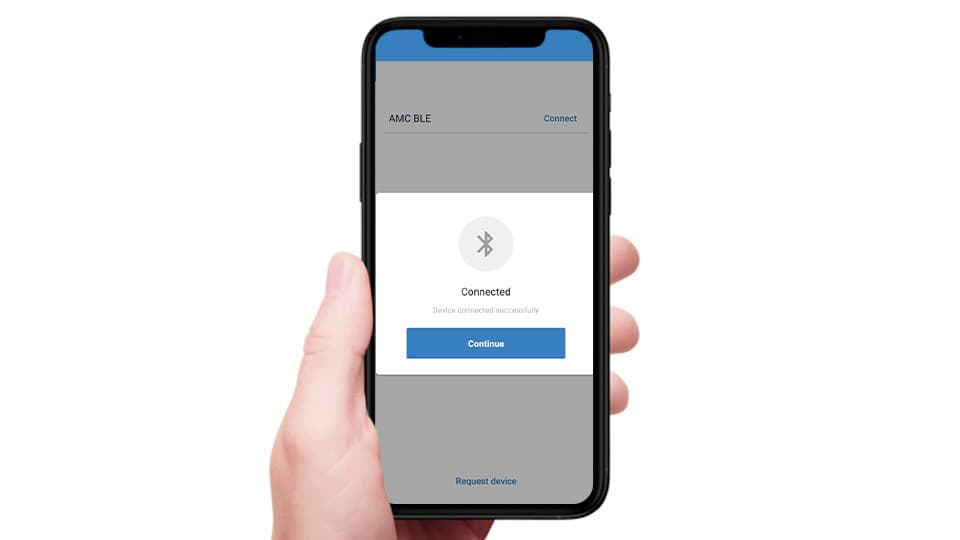
Connect the external sensor
Turn on Bluetooth and select AMC BLE. Once successfully connected, tap Continue to proceed and follow the on-screen instructions.
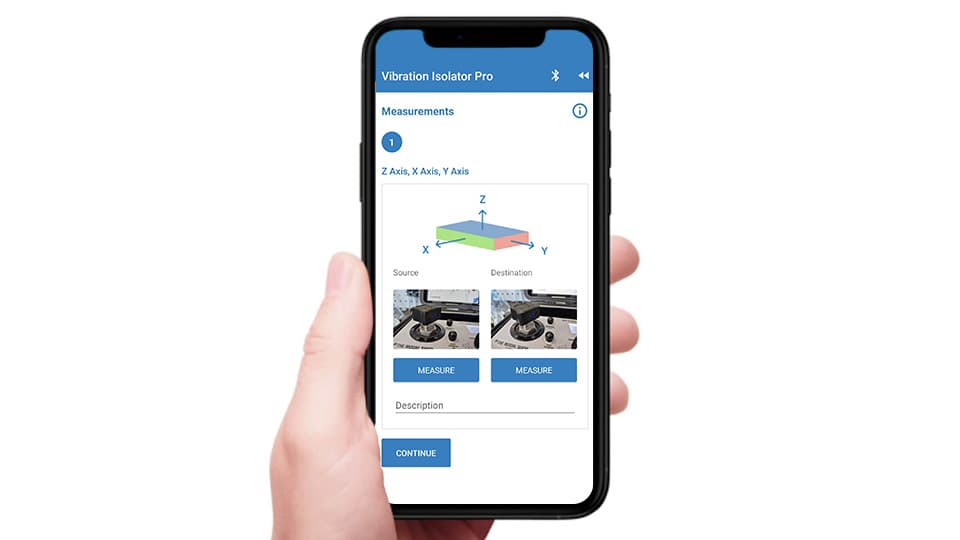
Take the measurements
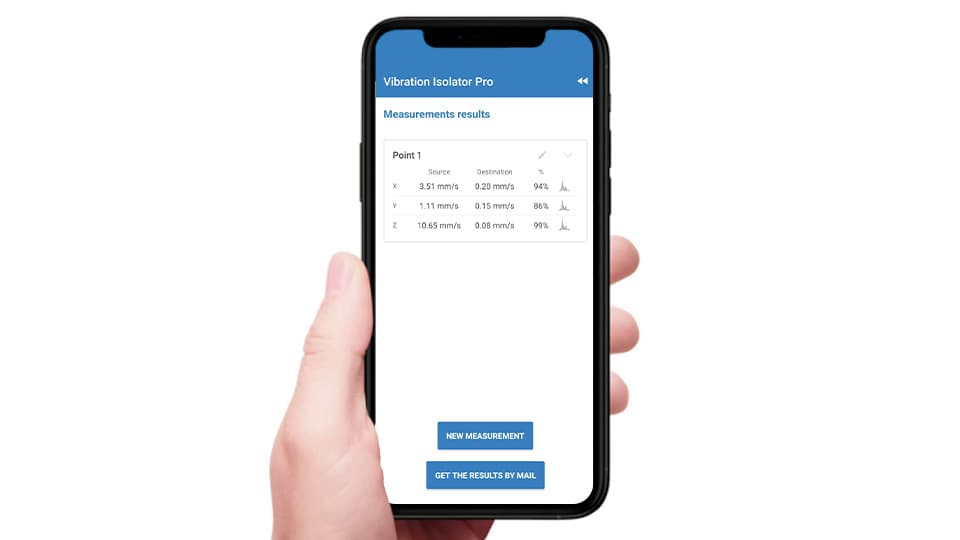
Test results
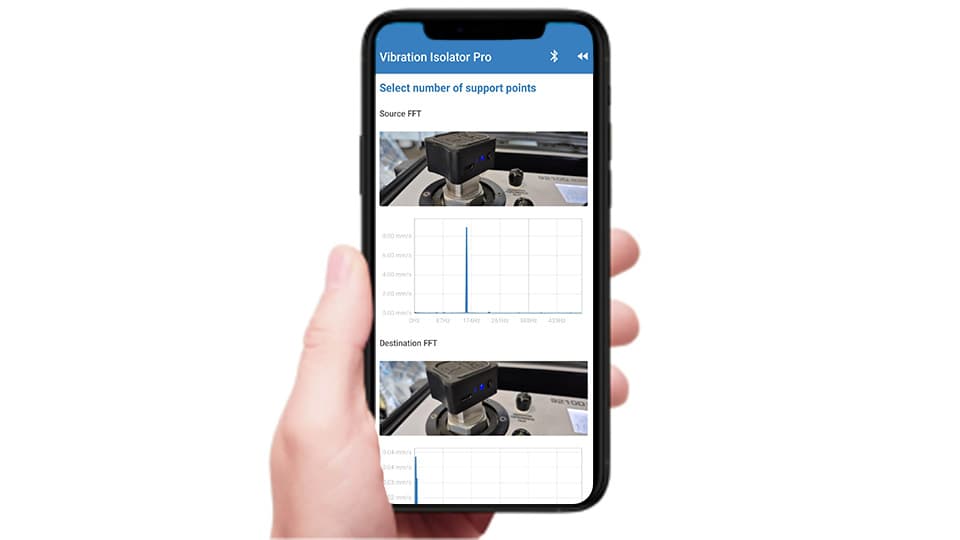
Frequency analysis
Acoustic Isolator Pro
Evaluate the noise level of your installation and discover the best acoustic solution.
Acoustic Isolator Pro is the app designed to measure ambient sound and guide you in choosing the most suitable acoustic insulation material.
It uses the phone’s microphone to record sound pressure levels and display the spectrum in octave bands, identifying the predominant frequencies.
With this information, it recommends the most effective isolation options from the Akustikabsorber range of materials, tailored to the real conditions of each application.
- Direct measurement from your mobile device
- Frequency band analysis
- Automatic suggestion of acoustic materials
- Free app with no ads
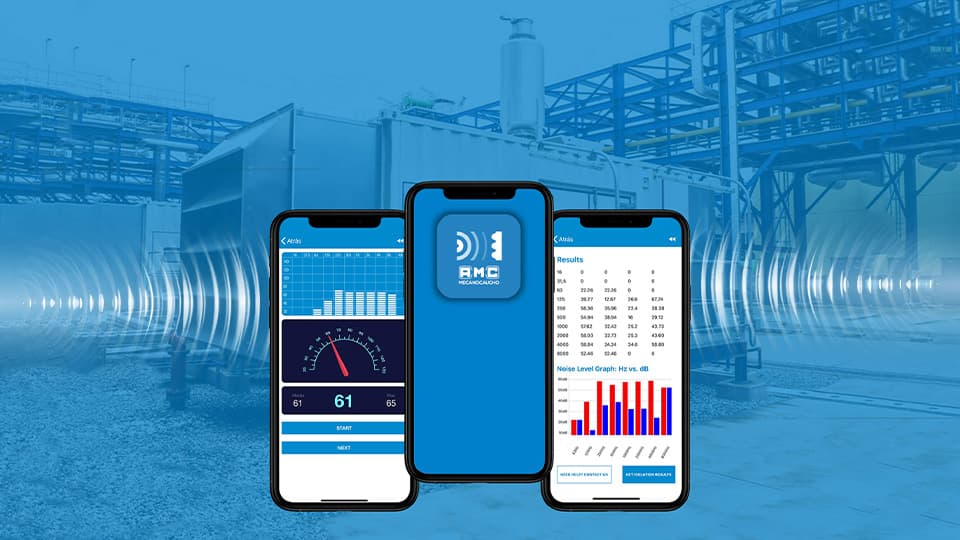
Immediate recommendation
After the measurement, the app provides a selection of acoustic insulation materials tailored to the type of noise and the environmental conditions.
A practical tool to optimize sound comfort and improve equipment performance.
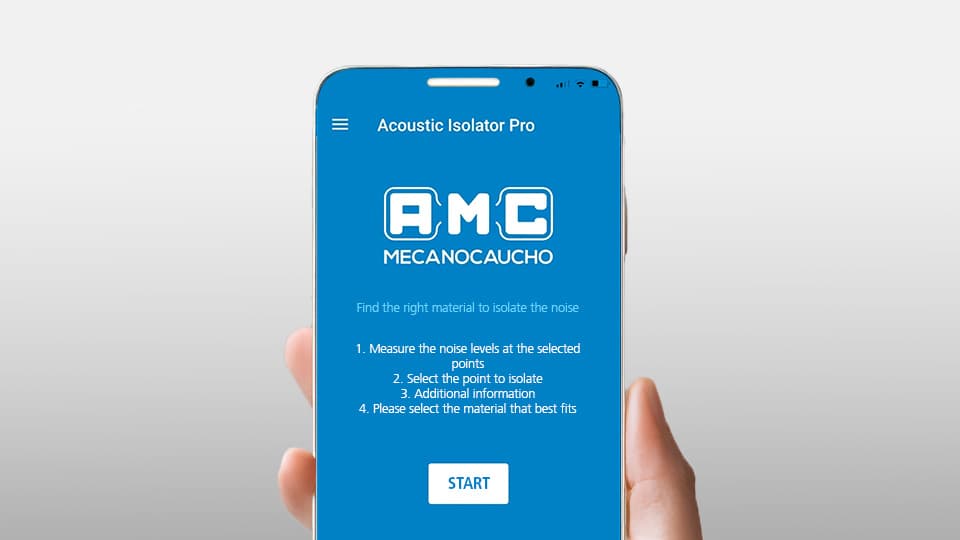
Simple and effective
Acoustic Isolator Pro guides the user step by step and displays clear results in seconds.
No prior experience or additional equipment required — just your mobile phone.
Steps
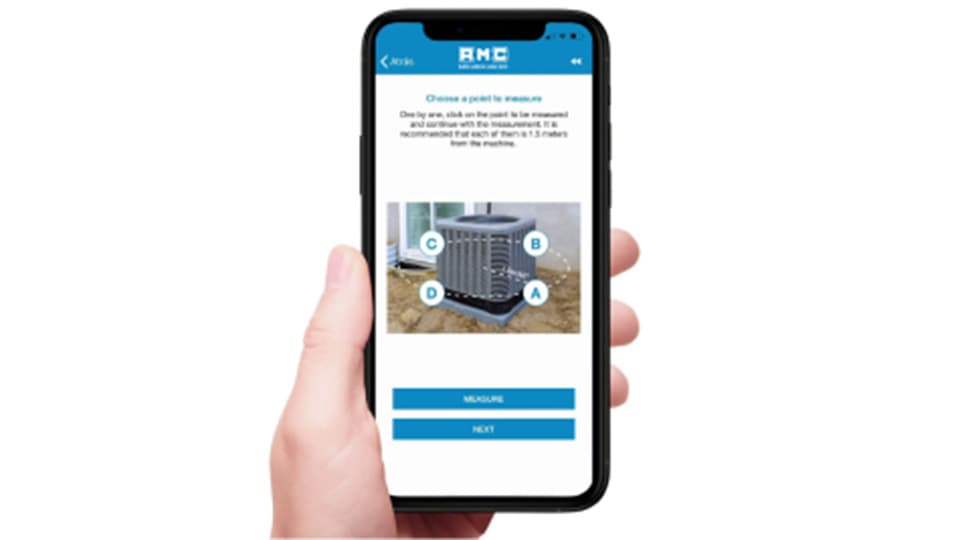
Take the photo
Take a picture of the machine or installation to have a visual reference of the environment.
It will help identify the measurement areas and organize the analysis results.
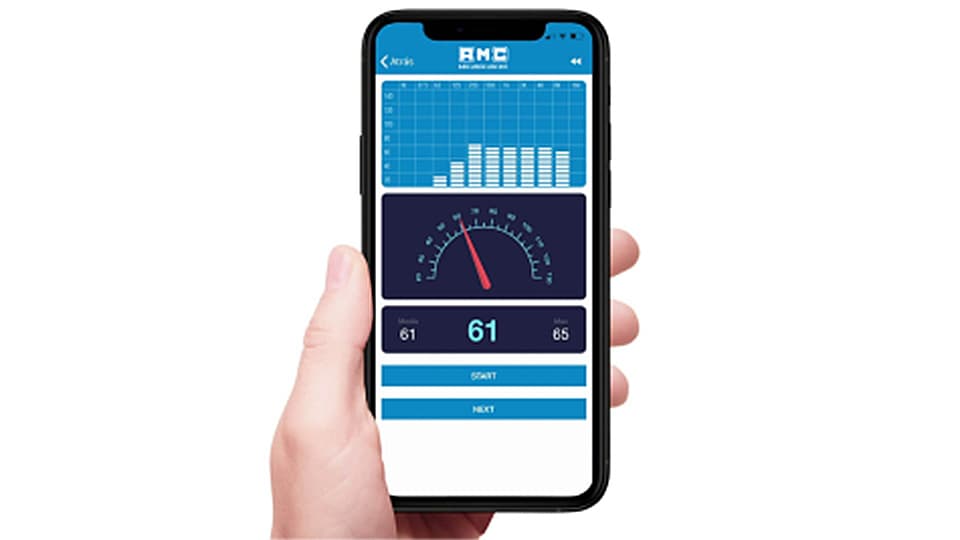
Measure noise levels
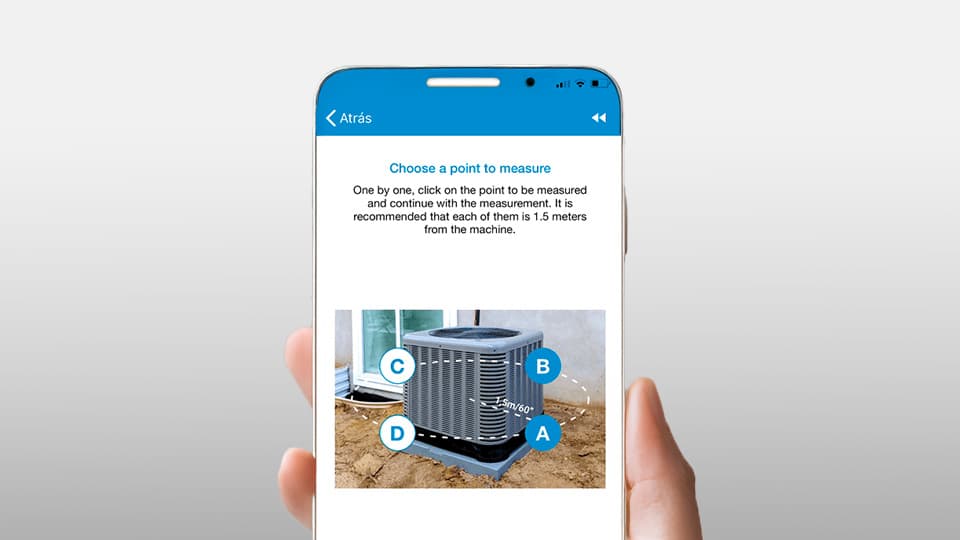
Select one of the indicated locations and tap Start to begin the measurement.
The app displays the noise level in dB(A) and the octave-band spectrum in real time.
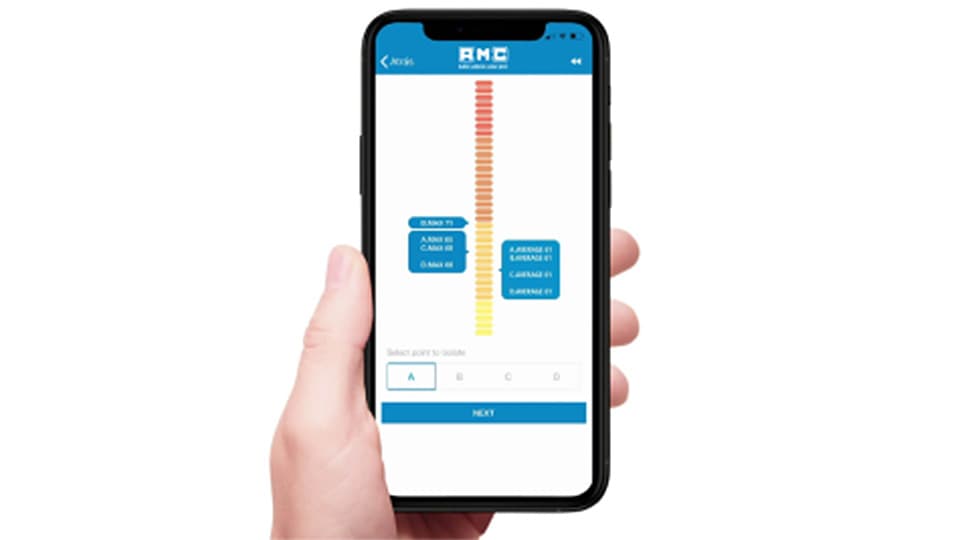
Define the project conditions
Choose the area or value you want to isolate and set the application conditions, such as the maximum available thickness, the priority between insulation or cost, and the environmental conditions.
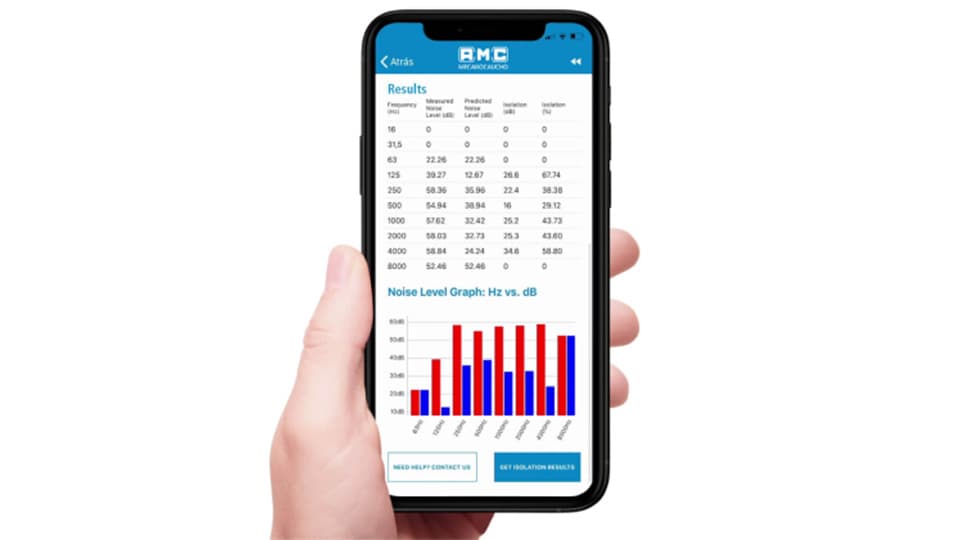
Get the recommendation
The app suggests the most suitable acoustic material from the Akustikabsorber range and displays the estimated insulation.
It also offers the option to receive a complete report by email.
Acoustic Hanger Pro
Find the right acoustic mount for your application.
Acoustic Hanger Pro is the app developed to quickly and reliably select the most suitable acoustic mount for your project.
Using a permanent database of AMC-MECANOCAUCHO acoustic suspension elements, the app calculates the load per mount and the natural frequency required for isolation, then proposes the optimal solution.
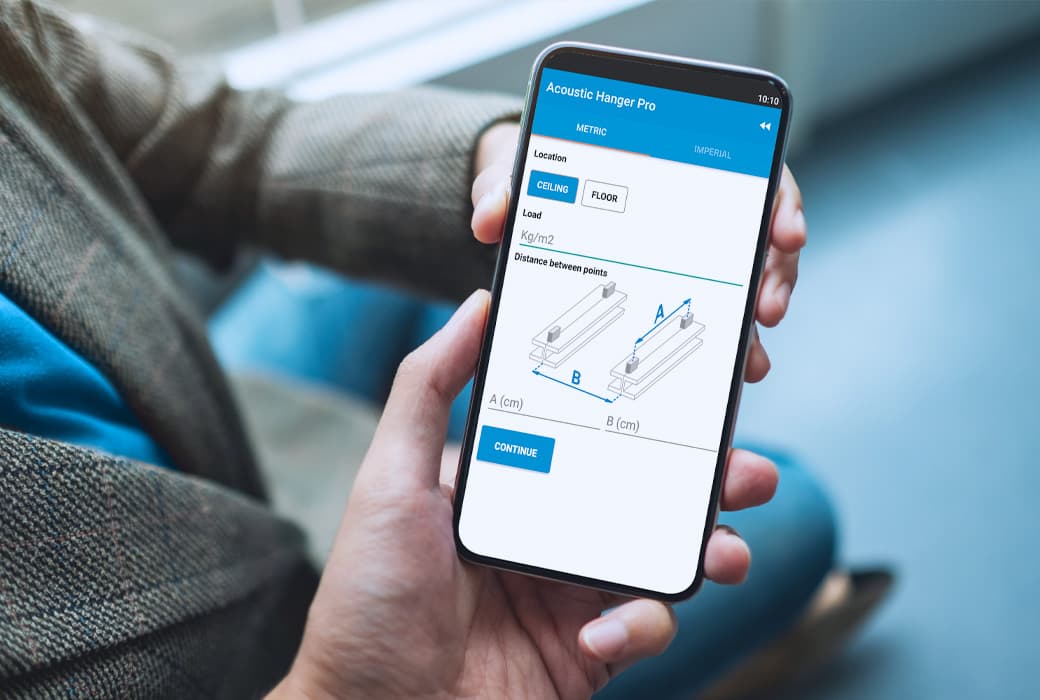
- Step-by-step guided solution for ceiling or floor suspension.
- Material selection (Sylomer®, rubber, spring) and choice between isolation performance or cost.
- Instant calculation, technical datasheet, and installation videos.
- Free app with no ads.
From data to results
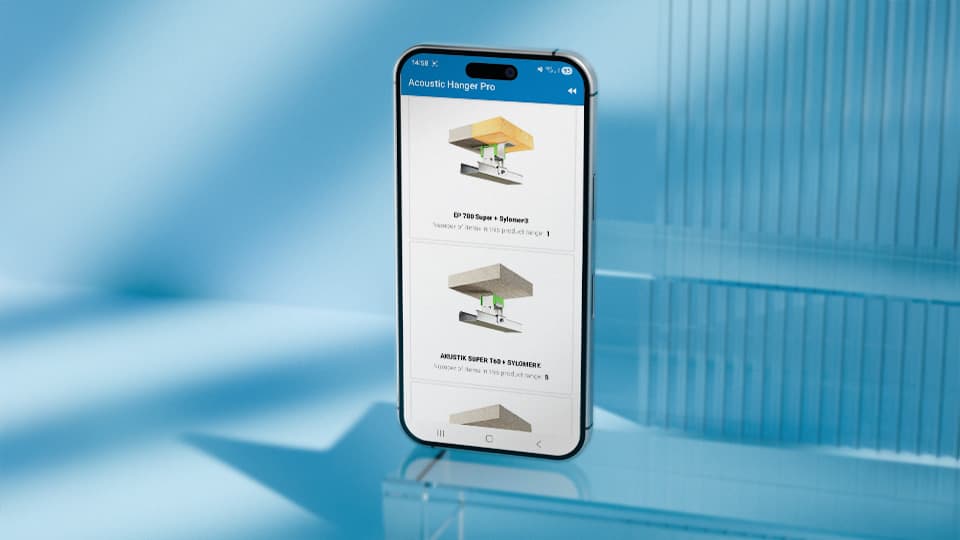
After entering the basic project data, the app provides the range of mounts that best fit your budget and technical requirements.
A practical tool to optimize the acoustic insulation of ceilings, floors, or suspended equipment.
Easy and efficient
Acoustic Hanger Pro guides the user in just a few minutes and delivers clear results that make mount selection easier.
No advanced technical experience or lengthy calculations required — simply enter the basic system parameters.
Steps
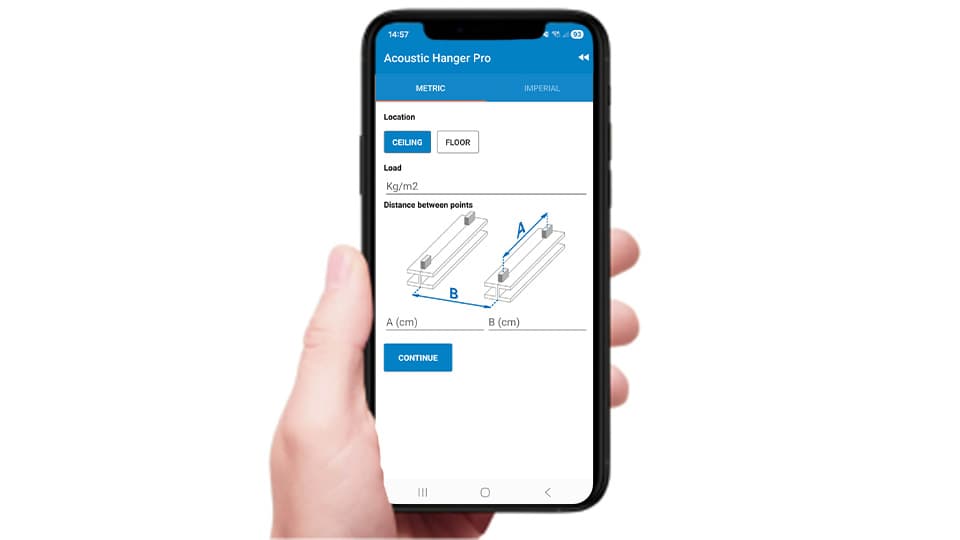
Enter the project data
Indicate whether you want to isolate a ceiling or a floor, and fill in the main system parameters such as the load, the distance between mounts, the priority between cost or isolation, and the type of elastic material.
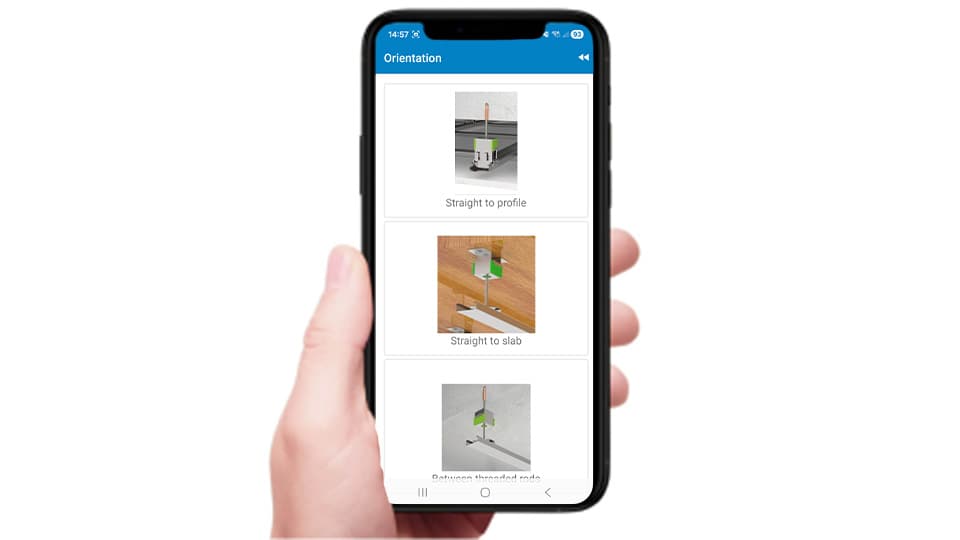
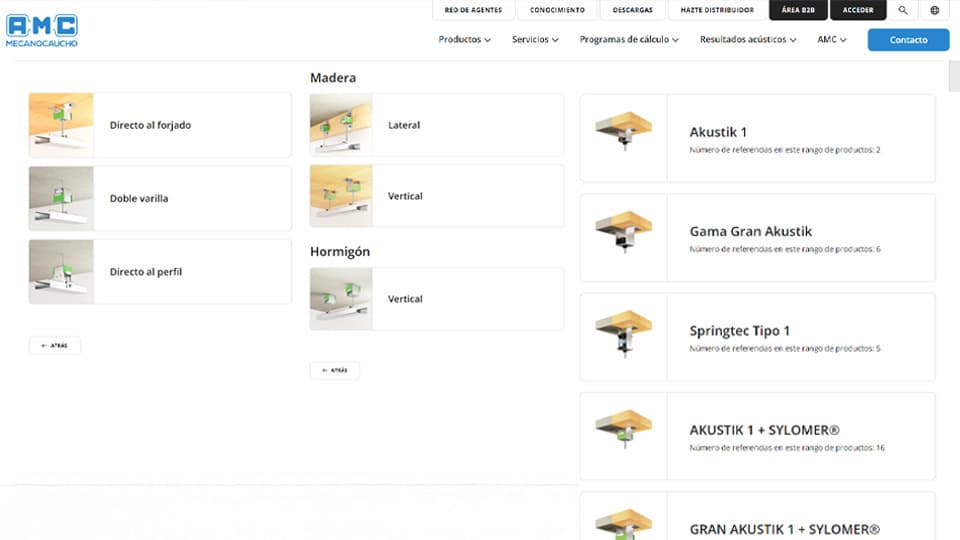
Choose the orientation and the mount
Select the mounting orientation and explore the available mount options based on the conditions you entered.
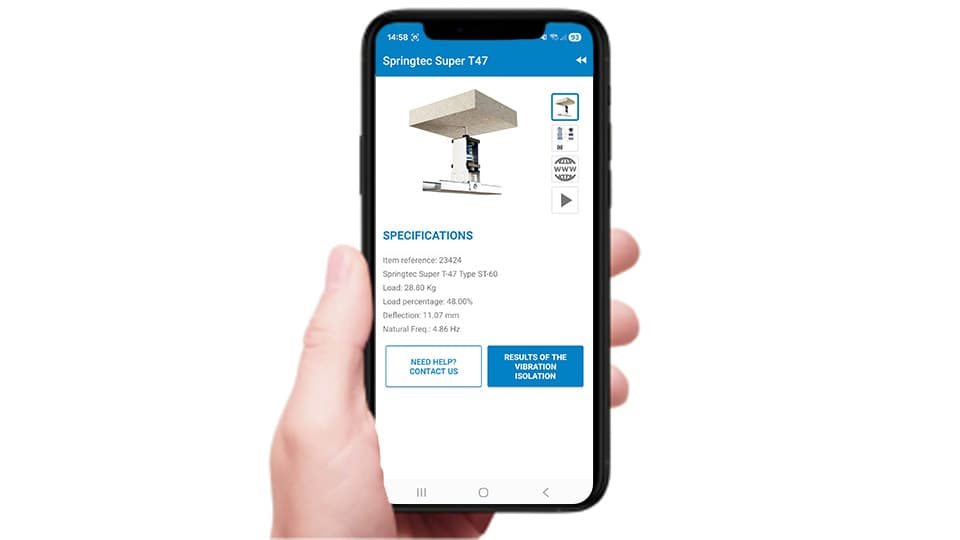
Check the technical datasheet
Select one of the displayed models and review its load, deflection, and natural frequency. Each datasheet includes drawings, 3D views, and installation videos to make selection easier.
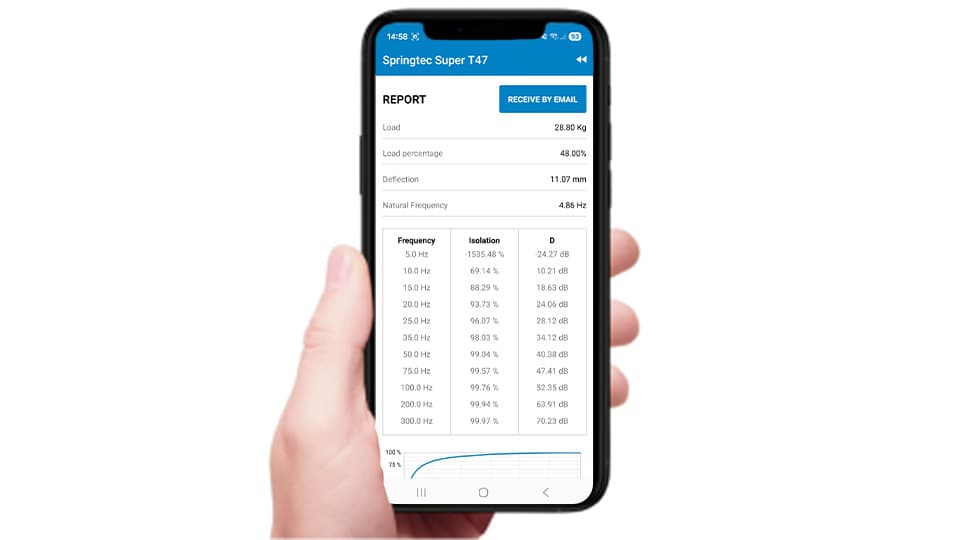
Generate the isolation report
Access a detailed report showing the mount’s performance at different frequencies. Receive the report by email to document the project or share it with the technical team.
You might also be interested in